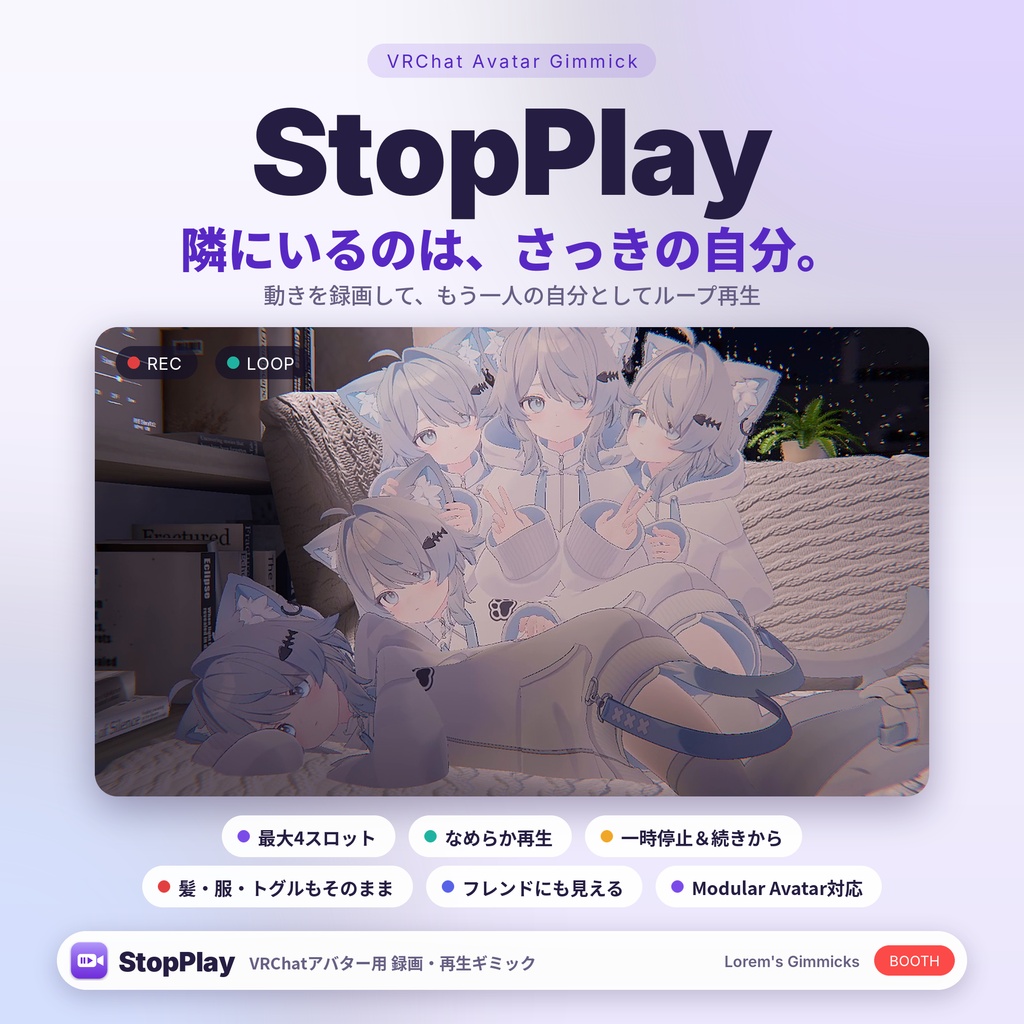
StopPlay(ストッププレイ)- 動きを録画して、もう一人の自分がループ再生するギミック
- ダウンロード商品StopPlay(ストッププレイ)¥ 500
- ダウンロード商品StopPlay(ストッププレイ)- Support Pack/支援版¥ 1,000
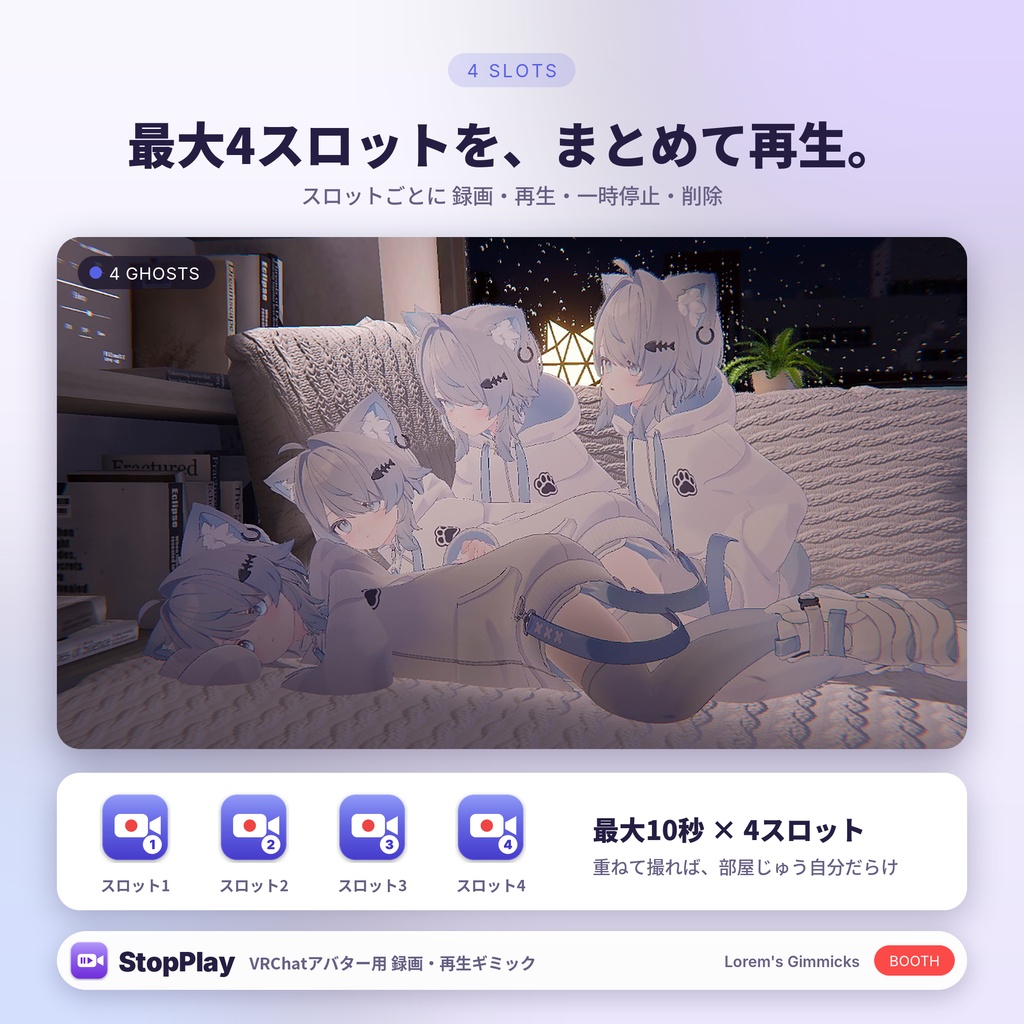
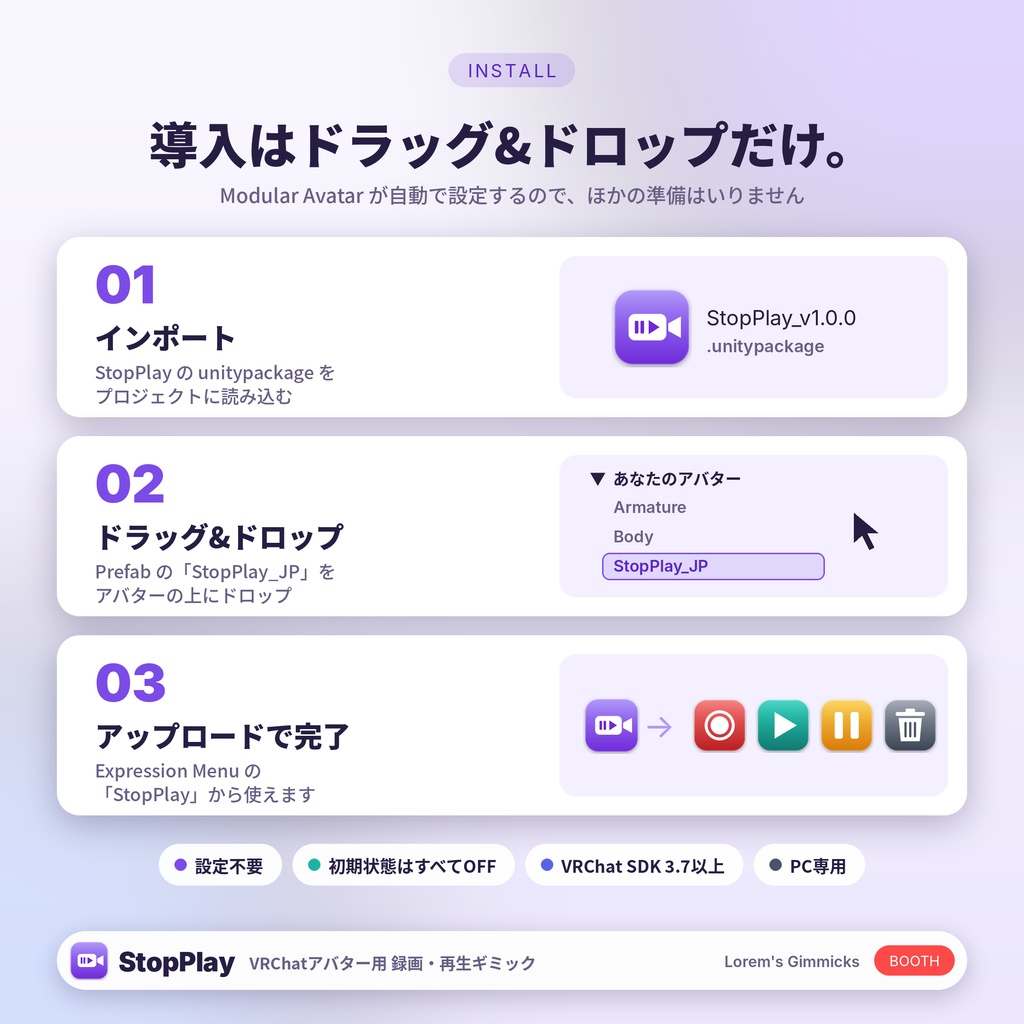
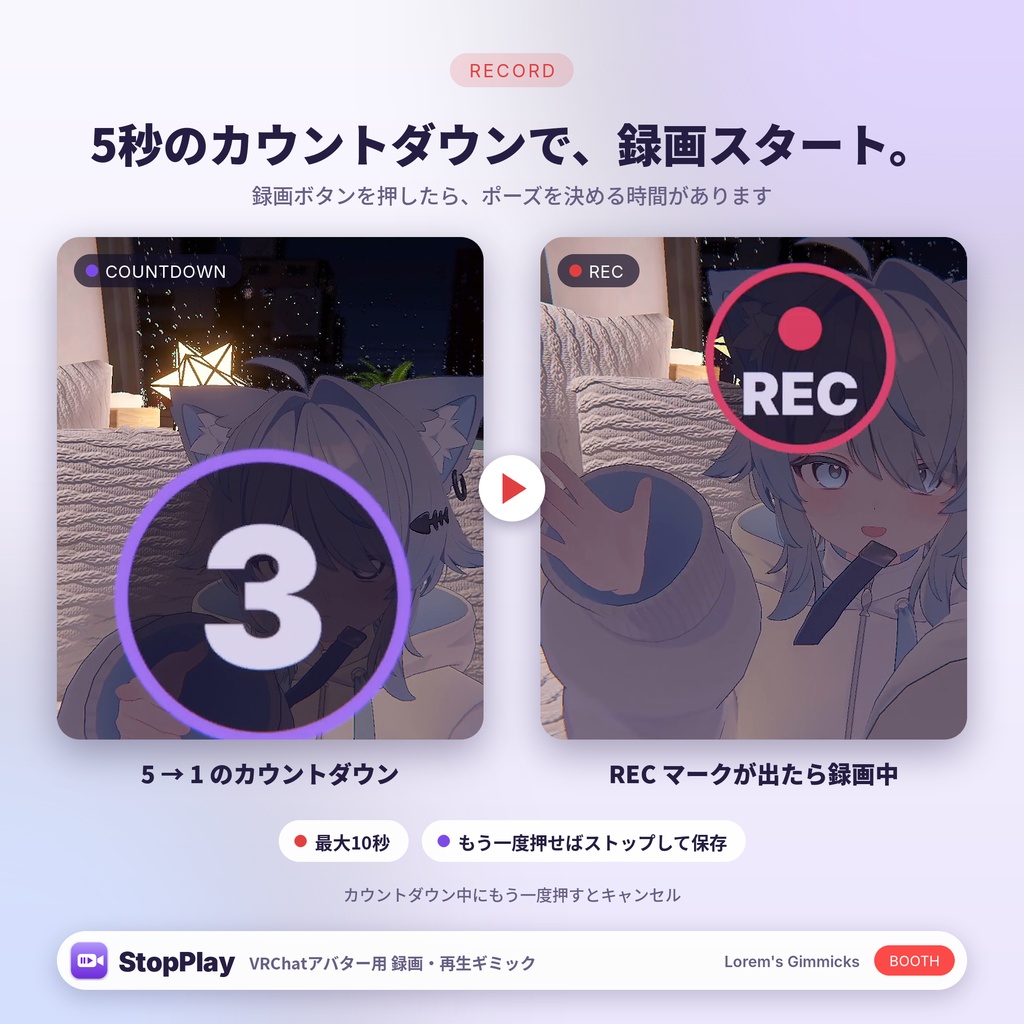
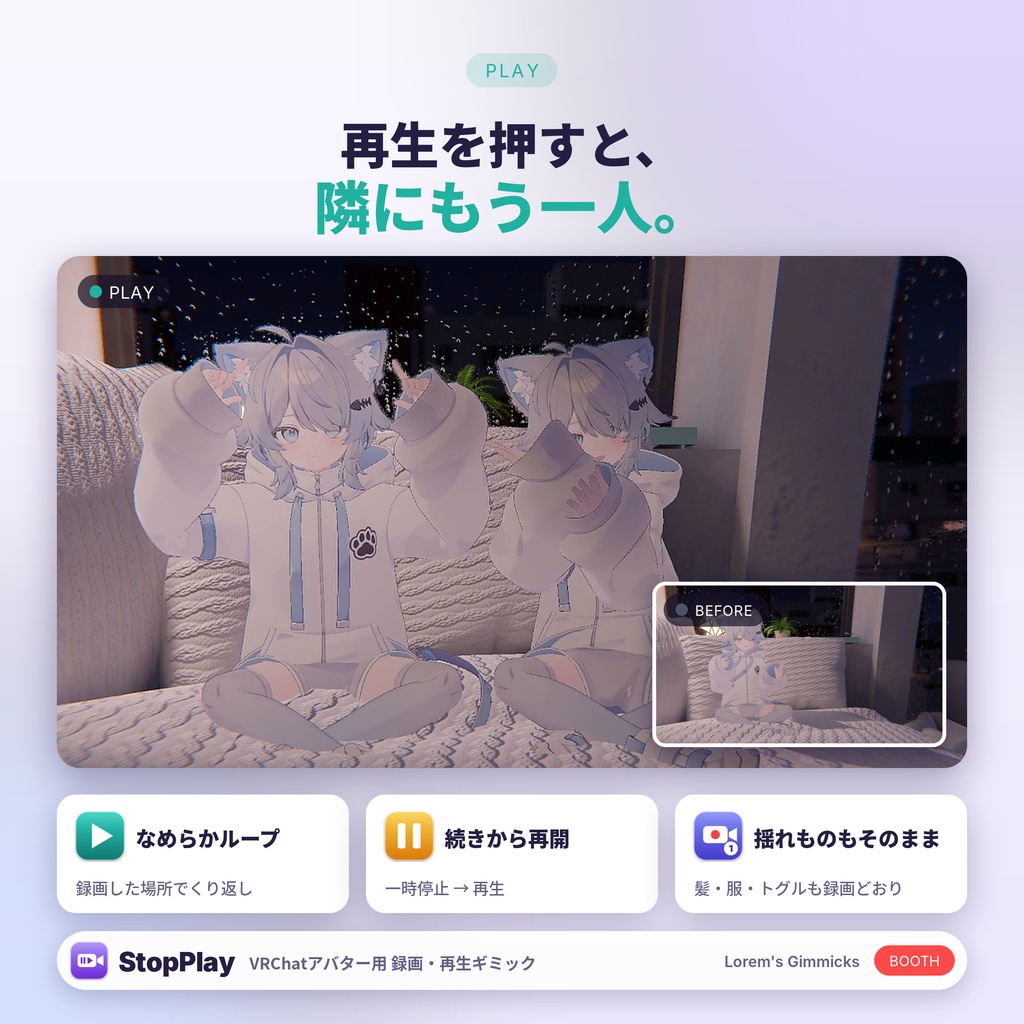
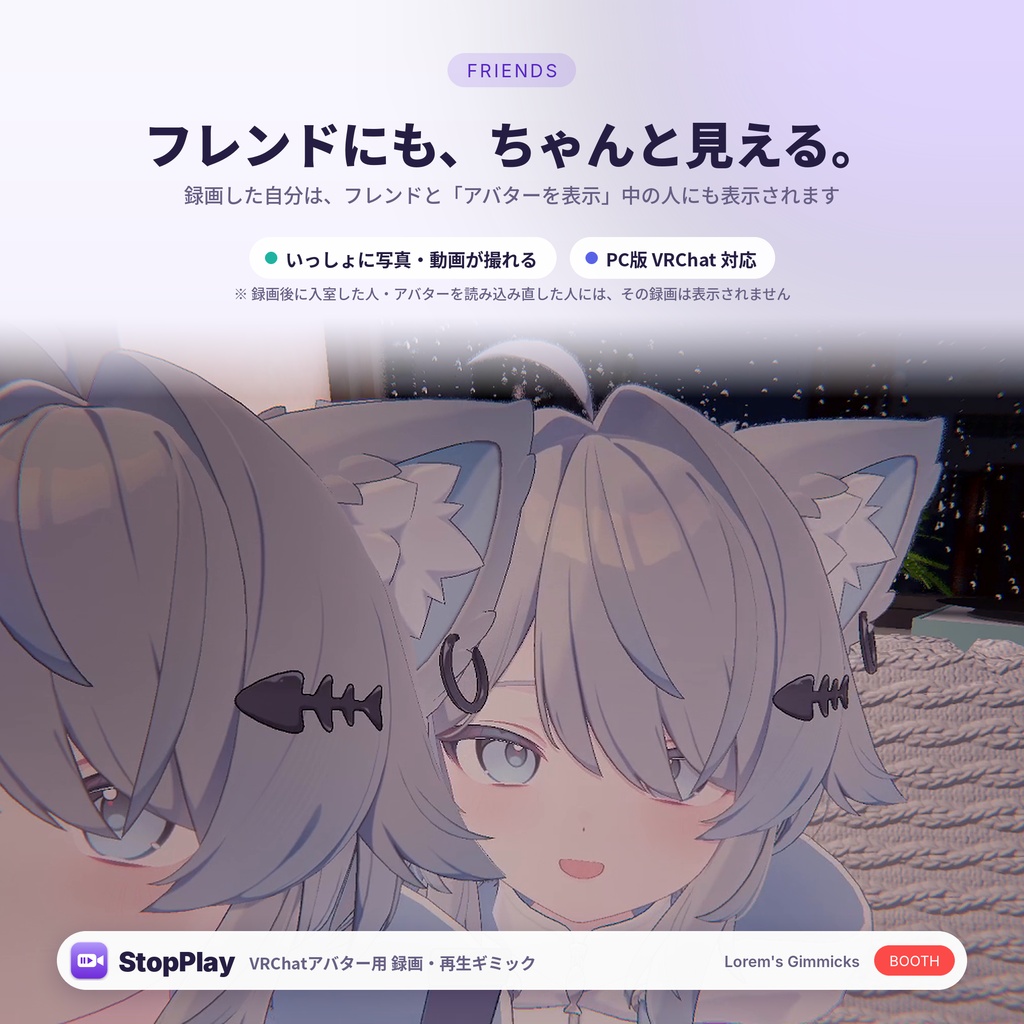
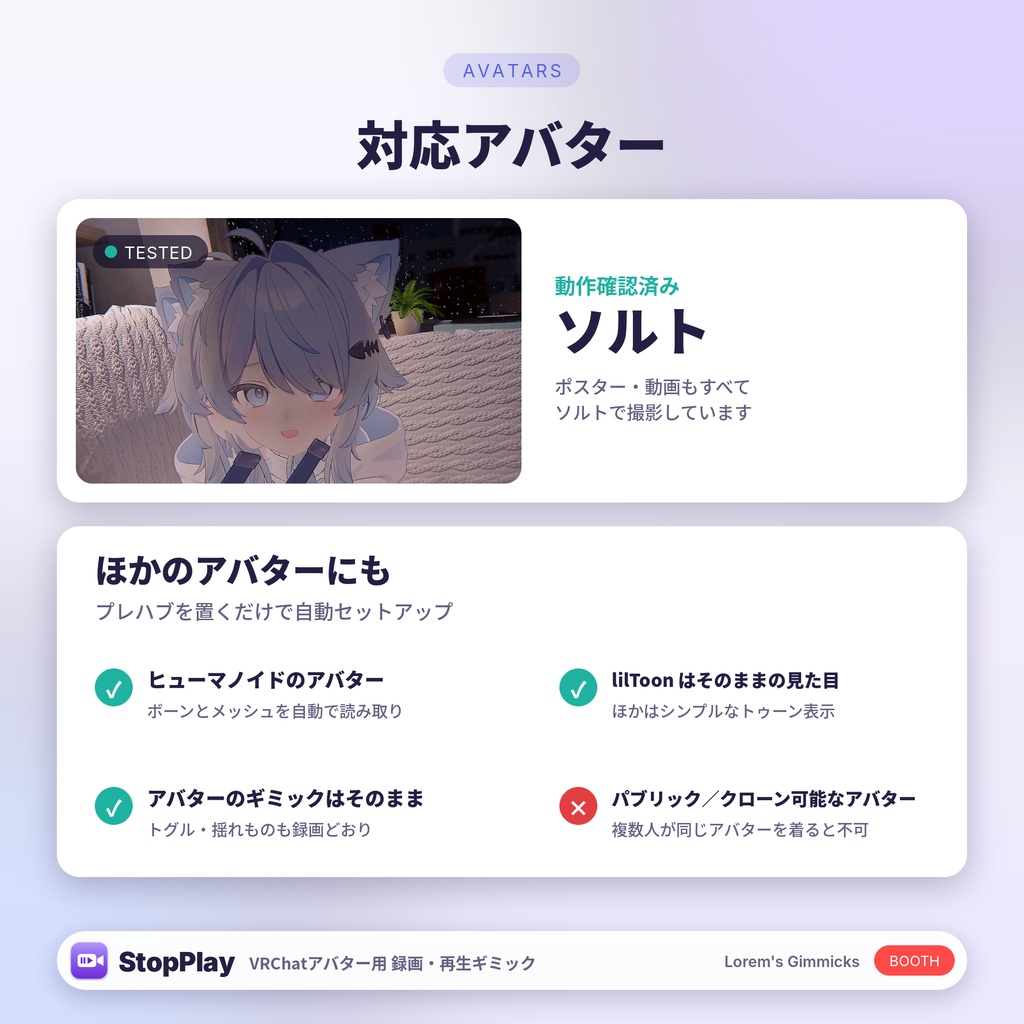
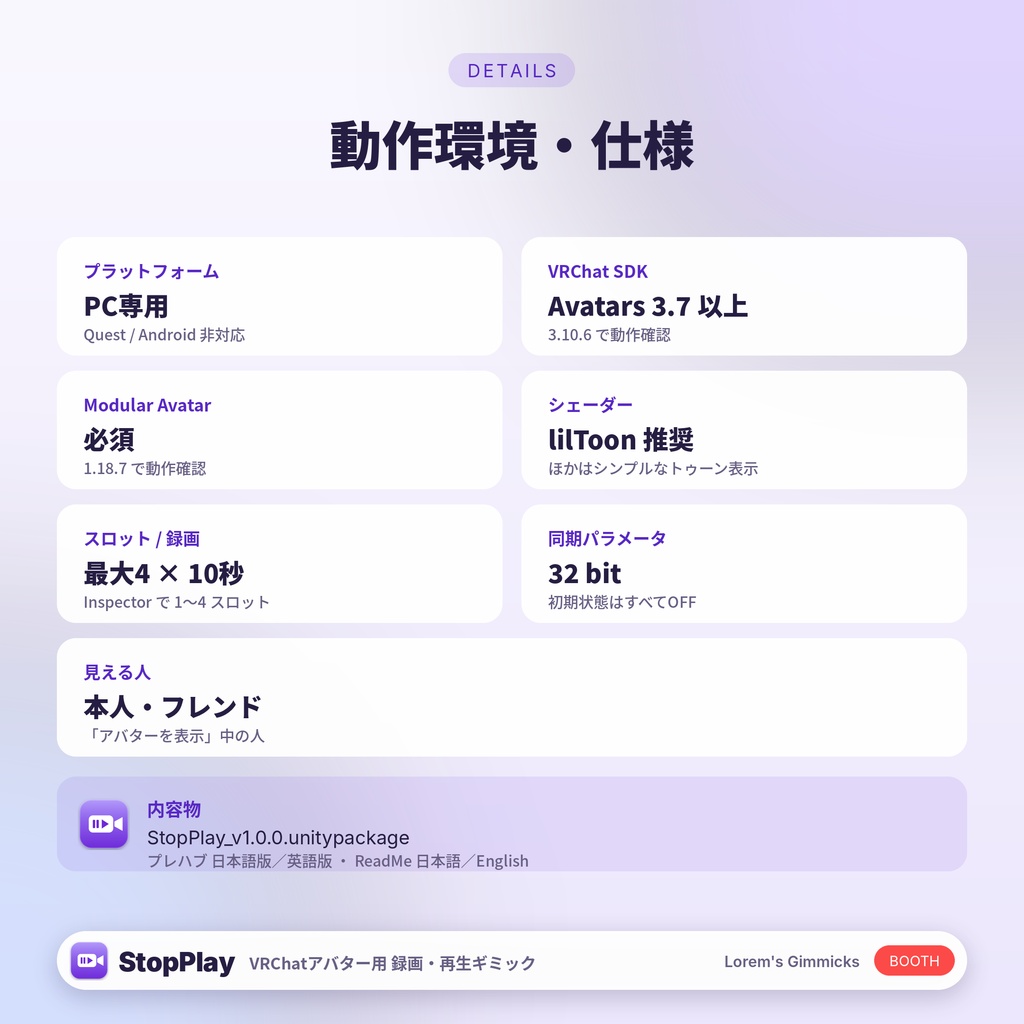
━━━━━━━━━━━━━━━━━━━━━━━━━━━━ StopPlay(ストッププレイ) 隣にいるのは、さっきの自分。 ━━━━━━━━━━━━━━━━━━━━━━━━━━━━ 自分の動きを録画して、その場に「もう一人の自分」としてループ再生できるVRChatアバター用ギミックです。 最大4スロットまで同時に再生できるので、自分とならんで写真を撮ったり、部屋じゅうを自分だらけにしたり。 プレハブをアバターにドラッグ&ドロップするだけで導入できます。 ※PC専用です(Quest・スマホでは動作しません)。 ※本商品は生成AIを活用して制作しています。 ※English below. ✅ できること ・録画:ボタンを押すと5秒のカウントダウンのあと、最大10秒間録画します ・録画ストップ:録画中にもう一度押すと、そこで止めて保存(カウントダウン中に押すとキャンセル) ・再生:録画した場所で、なめらかにループ再生します ・一時停止:止めたところから、再生で続きを再開できます ・削除:スロットごとに、いつでも消せます ・最大4スロット:それぞれ別の録画を同時に再生(Inspectorで1〜4スロットに変更できます) ・髪・服・トグルなど、揺れものやアバターのギミックの動きも録画どおりに再生します ・lilToonのマテリアルは、見た目そのままで再生されます ・自分・フレンド・「アバターを表示」にしている人に見えます ・メニューは日本語版・英語版の2種類(StopPlay_JP / StopPlay_EN) ・初期状態はすべてOFFです ✅ 必要なもの ・VRChat SDK Avatars 3.7 以降(3.10.6で動作確認) ・Modular Avatar 1.18 以降(1.18.7で動作確認) ・Humanoidのアバター(PC版VRChat) ・lilToon推奨(ほかのシェーダーはシンプルなトゥーン表示になります) ✅ 導入方法 プレハブ「StopPlay_JP」をアバターにドラッグ&ドロップして、いつも通りアップロードするだけです。 Expression Menu の「StopPlay」から使えます。くわしくは同梱のREADMEをご覧ください。 ✅ ご注意 ・録画した自分が見えるのは、本人・フレンド・「アバターを表示」にしている人です(VRChatの仕様でカメラを使うため)。 ・録画したあとに入室した人や、アバターを読み込み直した人には、その録画は表示されません。 ・パブリック/クローン可能なアバターでは使わないでください(同じアバターを複数人が着ると正しく動作しません)。 ・再生される自分は見た目だけで、触ったり掴んだりはできません。 ・スロット1つにつきアバター1体分のポリゴンが増えるため、パフォーマンスランクはPCでVery Poorになります。軽くしたい場合はプレハブの「Slots」を減らしてください。 ・StopPlayを追加して最初のビルドは、シェーダーの準備のため数分長くかかります。2回目以降は通常の速さです。 ✅ 利用規約 本商品を購入・ダウンロードした時点で、この利用規約に同意したものとみなします。 ⭕ 自分のアバターへの導入・改変、アップロード ⭕ 配信・動画・写真・SNSでの使用(商用利用OK・クレジット不要) ❌ データの再配布・転売・共有(改変したもの・無償の場合も含む) ❌ 本商品のデータを同梱したアバター・衣装などの販売・配布 ❌ 自作と偽ること、法令やVRChatの規約に反する使用 ・著作権はローレムギミック店に帰属します。 ・本商品の使用により生じた損害について、作者は責任を負いません。 ・規約は予告なく変更する場合があります。日本語版と英語版で相違がある場合は日本語版を優先します。 ✅ 更新履歴 ・v1.0.1 表情・リップシンク・まばたきの再現に対応/lilToon全種類で見た目そのままに/色と指の不具合を修正 ・v1.0.0 初回公開 ✅ お問い合わせ ・BOOTHのメッセージ、または X:@Lorem23VRC ━━━━━━━━━━━━━━━━━━━━━━━━━━━━ English ━━━━━━━━━━━━━━━━━━━━━━━━━━━━ StopPlay The one next to you is you, a moment ago. A VRChat avatar gimmick that records your motion and replays it on the spot as a looping second you. Up to 4 slots play at the same time: take photos next to yourself, or fill the room with yous. Just drag the prefab onto your avatar. * PC only (does not work on Quest / mobile). * This product was made with the help of generative AI. ✅ Features ・Record: press Record, a 5-second countdown, then up to 10 seconds of recording ・Stop: press Record again while recording to stop and keep it (during the countdown, it cancels) ・Play: a smooth loop right where you recorded it ・Pause: Play continues from where you paused ・Delete: clear any slot at any time ・Up to 4 slots playing at once (set 1–4 slots in the Inspector) ・Hair, clothes, toggles and your avatar's own gimmicks replay as recorded ・lilToon materials keep their exact look ・Visible to you, friends, and people who chose "Show Avatar" for you ・Japanese and English menu prefabs (StopPlay_JP / StopPlay_EN) ・Everything starts OFF ✅ Requirements ・VRChat SDK Avatars 3.7 or newer (tested with 3.10.6) ・Modular Avatar 1.18 or newer (tested with 1.18.7) ・A Humanoid avatar (VRChat on PC) ・lilToon recommended (other shaders use a simple toon look) ✅ Setup Drag the "StopPlay_EN" prefab onto your avatar and upload as usual. That's it. Use it from "StopPlay" in the Expression Menu. The details are in the included README. ✅ Please note ・The replay is visible to you, friends, and people who chose "Show Avatar" for you (VRChat only allows avatar cameras for them). ・People who join, or reload your avatar, after you recorded won't see that recording. ・Don't use it on public / cloneable avatars (it doesn't work when several people wear the same avatar). ・The replay is visual only; it can't be touched or grabbed. ・Each slot adds a full copy of your avatar's polygons, so the performance rank on PC becomes Very Poor. Lower "Slots" on the prefab to make it lighter. ・The first build after adding StopPlay takes a few extra minutes while the shaders are prepared. Later builds are normal speed. ✅ Terms of use By purchasing or downloading this product you agree to these terms. ⭕ Add it to your own avatars, modify it, and upload them ⭕ Use it in streams, videos, photos and social media (commercial use OK, no credit needed) ❌ Redistributing, reselling or sharing the files (including modified or free copies) ❌ Selling or distributing avatars, outfits or other products that include the files ❌ Claiming it as your own work, or using it against the law or the VRChat Terms of Service ・Copyright belongs to ローレムギミック店 (Lorem Gimmick Shop). ・The creator is not responsible for any damage caused by using this product. ・These terms may change without notice. If the Japanese and English versions differ, the Japanese version applies. ✅ Version history ・v1.0.1 Facial expressions, lip sync and blinking now replay / Exact look for every lilToon type / Fixed color and finger issues ・v1.0.0 First release ✅ Contact ・BOOTH messages, or X: @Lorem23VRC